From laptop to home server: where I run my coding sessions
I shared previously how I started playing with AI to make my home smart. The setup I use evolved over time, and I think it’s worth writing about, if only so I remember what I learned. This was roughly my journey:
- Claude Code running on my laptop, connecting via SSH to my home server (Mac mini)
- Claude Code running as an add-on for Home Assistant, controlled via Remote Control from my laptop
- Claude Code running on my home server, controlled via Remote Control from my laptop and connecting to Home Assistant via MCP
Finally, I’ll share how I now run almost any session on the home server, regardless of whether it’s linked to Home Assistant or not.
Setup 1: Laptop -> SSH -> home server
When I started this project, I had Claude installed on my laptop and my phone. So naturally that’s where I started. With the first goal being getting Home Assistant installed, I configured Claude to be able to access my home server via SSH and ask it to start installing.
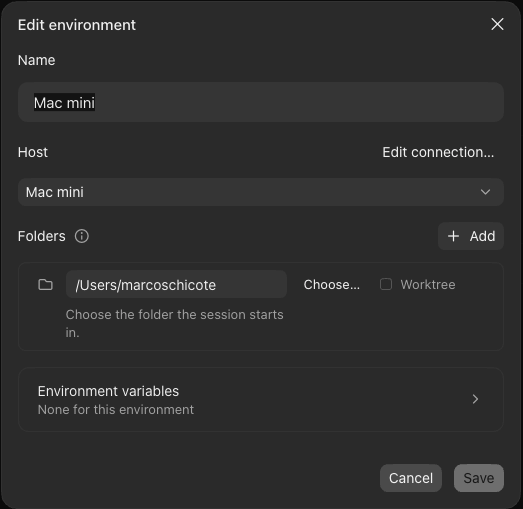
This worked perfectly fine, but two learnings for me:
- SSH Remote Sessions only work from Claude Desktop (so, no phone).
- If I needed to connect from outside my LAN, I needed to expose my home server to the internet or configure some kind of VPN (spoiler: eventually I installed Tailscale on my home server)
Setup 2: Laptop -> Remote Control -> Claude in Home Assistant
My first thought was to replicate the previous setup in Home Assistant and just run SSH sessions against it. But that meant no phone and only working from within my LAN, and it left an open question: how would Claude access my Home Assistant config files? So I wanted to try something different.
I decided to try Claude Terminal Pro for Home Assistant. This is an add-on that allows users to run Claude Code inside Home Assistant (HA). The plan was to control those sessions using Remote Control.
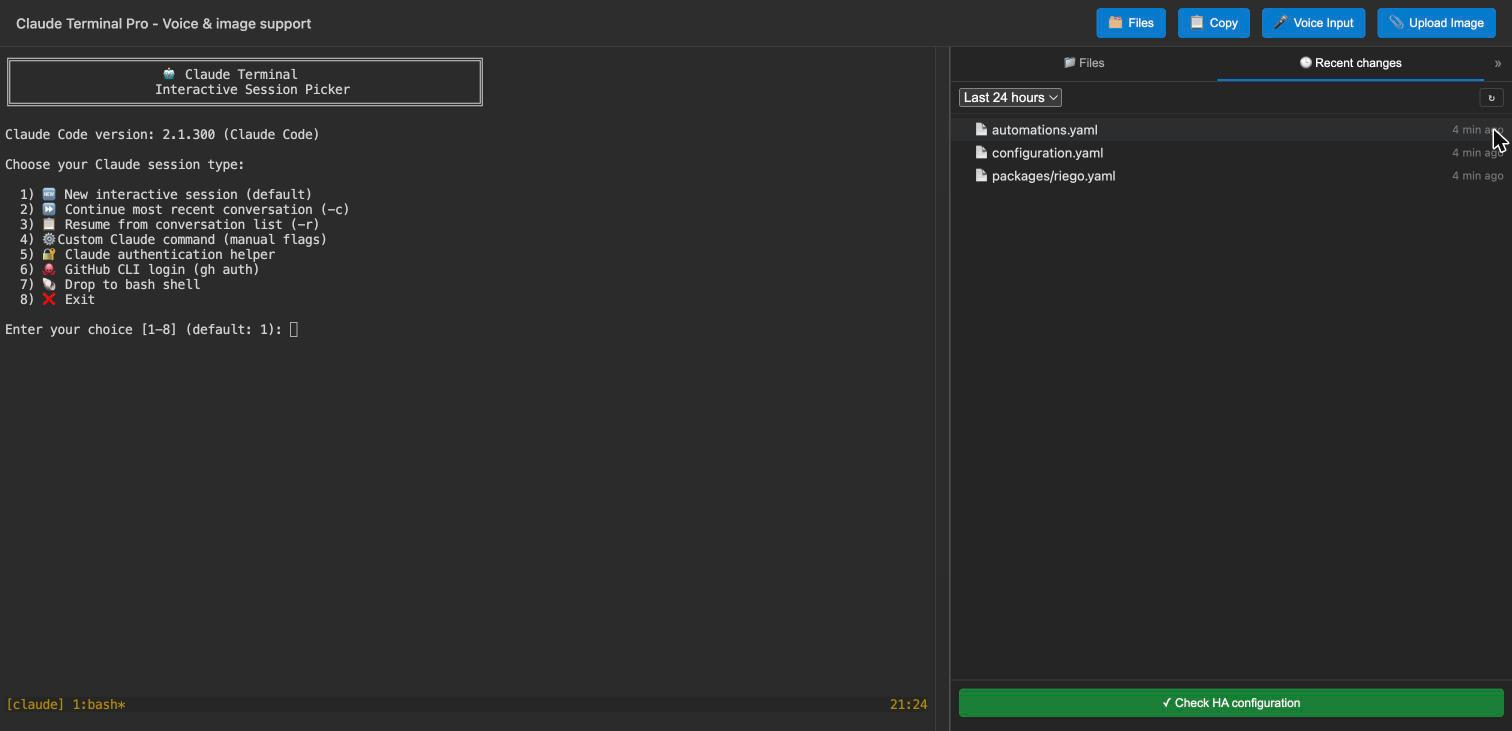
This was just a very bad idea. Problems:
- Authenticating yourself within the add-on is a mess. It’s OAuth but you need to copy and paste a URL that is hard to copy and broken. Doing it once was ok, but Claude eventually wants you to sign in again and that’s when you want to cry.
- Home Assistant requires a lot of restarting. After Core upgrades (once a week), after adding or removing integrations and custom components (frequently, especially while setting the system up), etc. When restarting, Claude sessions disconnect.
- Security -> any signed-in HA user can reach the add-on, not only admins, and it runs as root with write access to
/config(see the add-on’s security notes)
I moved away from this setup quite fast.
Setup 3: Laptop -> Remote Control -> Claude on home server -> MCP -> Home Assistant
Last, the setup I use today. Here’s how it works:
- After the home server reboots, a script runs
claude remote-controlin my Home Assistant project (a clone of/config, deployed to the home server via SSH and synced with GitHub). This starts Claude in server mode and gives it access to my config files. - Any surface (laptop, phone) is able to start new sessions from where the Remote Control server was started (both device and directory).
- When a session needs to interact with Home Assistant, it uses its MCP Server.
With this setup I can reboot Home Assistant and keep Claude running in case something needs debugging, so Setup 2’s restart problem is gone. I can also control sessions from all my devices and close my laptop while sessions keep running. And thanks to Remote Control, it works whenever I’m not home. Since I set it up over SSH on the home server, signing in with OAuth works well from the terminal.
Current: Beyond Home Assistant
I currently run almost all my coding sessions on my home server with Claude under Remote Control (a few things, like an Android emulator, still run on my laptop). For Home Assistant I have a special Claude Remote Control server, but all other coding sessions start in my code folder and then navigate to subfolders depending on the project I’m working on. I still haven’t found significant tradeoffs between these two, other than a bit more token consumption from navigating to another folder (it should be negligible).
Next steps
This is what I’m exploring as next steps (these go in completely different directions):
- Claude Cloud sessions: this requires a bit of work on my end and accepting that Anthropic gets full access to Home Assistant.
- Moving away from Claude, both for harness and model. Or at least harness as I don’t have proper hardware yet to run my own models.